
Starting profile
- Mode: 24-bit color.
- Sides: duplex, front and back in one pass.
- Resolution: begin at 300 dpi; compare 600 dpi on the same card before accepting the larger files and slower workflow.
- Output: separate JPEG images with predictable front/back filenames.
- Processing: preview crop, rotation, color and streak reduction rather than trusting automation blindly.
- Batch: test ten low-value cards, inspect every output and only then increase volume.
Why start at 300 dpi
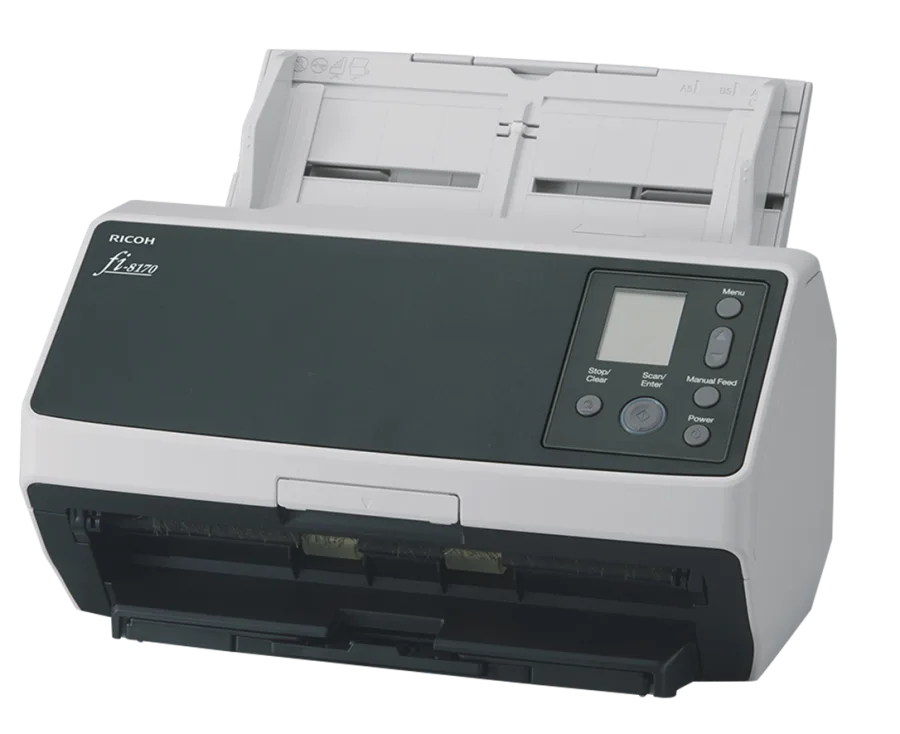
Ricoh publishes up to 70 pages per minute and 140 images per minute for the fi-8170 at 200 or 300 dpi. It also publishes an optical resolution of 600 dpi. That does not make 600 dpi automatically better for every eBay listing. More pixels increase storage, transfer and review work. Run the same front and back at both settings and compare the visible card number, surface detail and color after the marketplace resizes the image.
| 300 dpi | 600 dpi |
|---|---|
| A practical starting point tied to Ricoh’s published full-speed range. | More source detail when close inspection actually needs it. |
| Smaller files and faster review/export. | Larger files and potentially slower processing. |
| Validate text, crop and foil appearance before scaling. | Compare against 300 dpi instead of assuming the difference survives marketplace resizing. |
PaperStream settings walkthrough
Card Dealer Pro published the walkthrough below for configuring PaperStream Capture around trading-card images. It is an external tutorial from another card-software company, not a Celeste TCG endorsement or a substitute for Ricoh’s manual. Watch the interface steps, then test the resulting profile on your own low-value cards.
External video by Card Dealer Pro. YouTube loads only after you press play.
Build the profile around review, not maximum speed
- Clean first. Dust on the glass can put a vertical line across every image in a batch.
- Use a fixed card orientation. A predictable front/back order makes later identification and listing review easier.
- Check crop boundaries. Automatic cropping should preserve the complete border and corners.
- Check paired files. Confirm each back belongs to the correct front before upload.
- Name consistently. Use sequence numbers that survive moving the files into CardUploader or another listing system.
- Keep an exception tray. Foil, damaged, valuable, fragile or misfeeding cards leave the batch for individual capture.
Settings that require a real comparison
Color enhancement, background removal, automatic rotation, de-skew and streak reduction can improve some images and distort others. Do not copy a screenshot from another seller and process thousands of cards. Save two profiles, run the same representative cards through both and inspect the exact marketplace output.
The same rule applies to compression. A clean JPEG that preserves identifying details may be sufficient for a listing. An archival master or condition-sensitive card may justify a different file format and individual handling.
Card-safety boundary
Ricoh’s stock trading-card guidance recommends raw cards for the fi-8170 and warns that plastic sleeves can crease or receive roller marks. After we modified our feeder with a free 3D-printed TPU arm, penny-sleeved cards started feeding the same as raw cards. We still do not treat an accepted feed as proof that the process is safe for every card: start with low-value cards, stop on any sound or feed change and keep valuable, irreplaceable or thick-sleeved inventory out of the automatic feeder.
Read the complete sleeve and card-safety explanation, including the feeder modification.
Frequently asked questions
What DPI should I use?
Start with 300 dpi and compare it with 600 dpi on the same card. Use the lowest setting that preserves the detail required by the final listing and your review process.
Should I scan both sides?
Yes when a buyer needs front and back images. The fi-8170 uses two CIS sensors and captures both sides in one pass.
Can one profile handle every card?
No. Foil, chrome, dark, damaged and fragile surfaces can behave differently. Maintain an exception process instead of forcing every card through the same batch.